B2B ORDERING FOR WHOLESALE DISTRIBUTORS
Your customers order online. Your warehouse knows right away.
A wholesale store for parts distributors and manufacturers: each customer sees their own price, orders by part number, pays on Net-30, and every order lands at the right warehouse with a pick list.
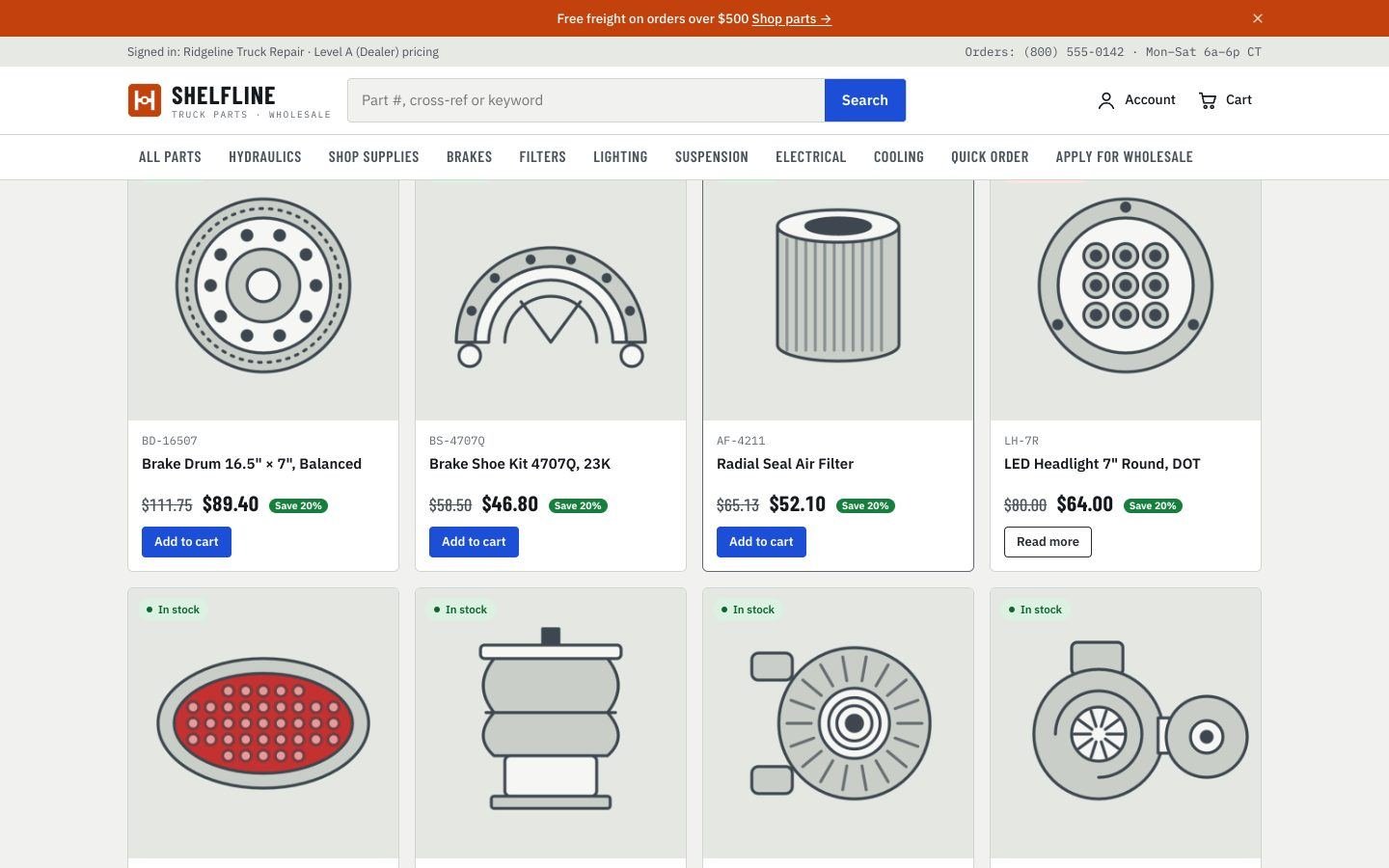
Still taking orders by phone, email and text?
Price lists by email
Every customer has a different price, kept in spreadsheets and sent by hand.
Orders typed twice
Someone copies the order from a call or a text into the system, then into a pick list.
"Do you have it in stock?"
Half the calls are customers asking what you have and where.
A website that only shows
A catalog without prices, login or ordering, or a retail store that does not fit wholesale.
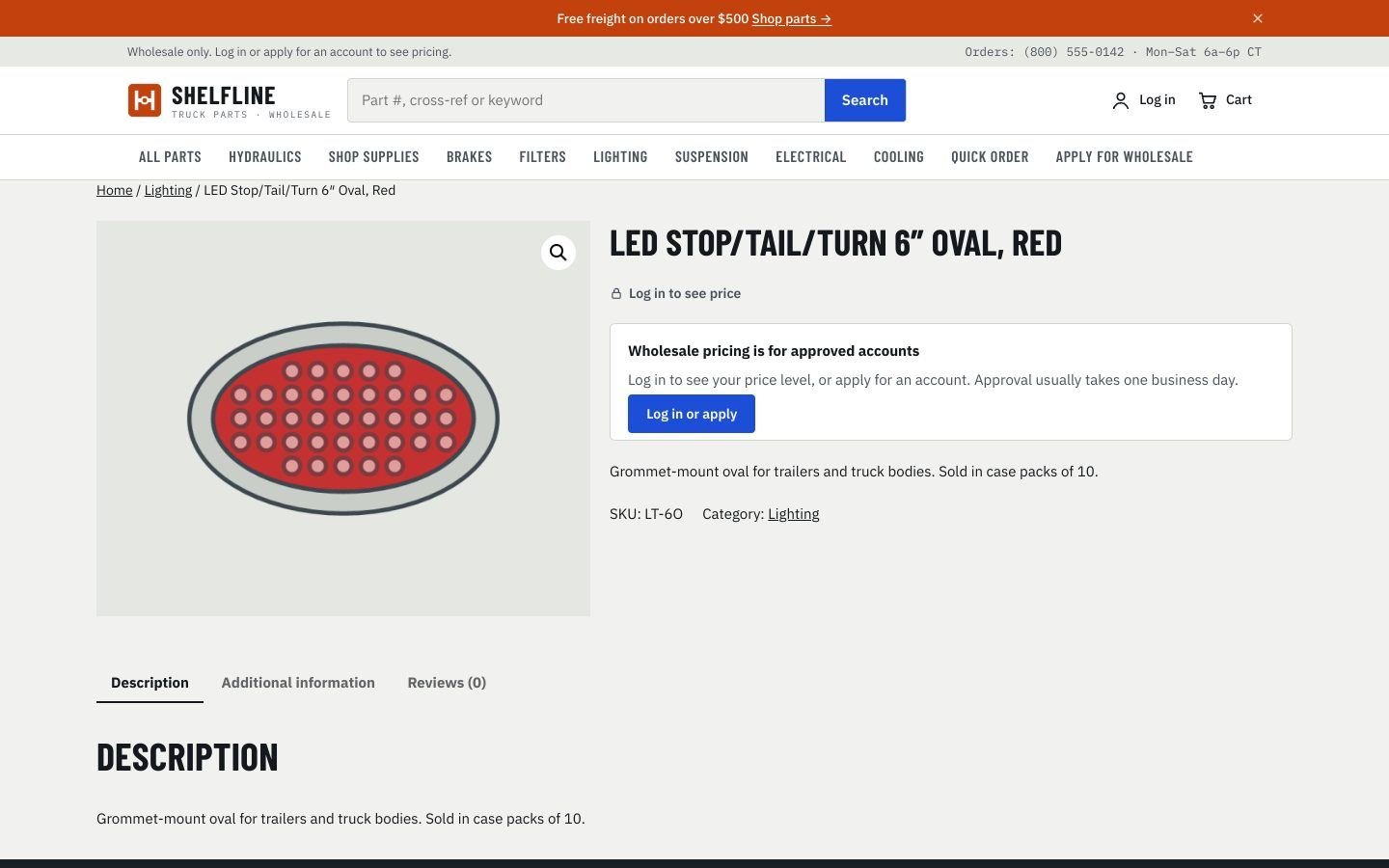
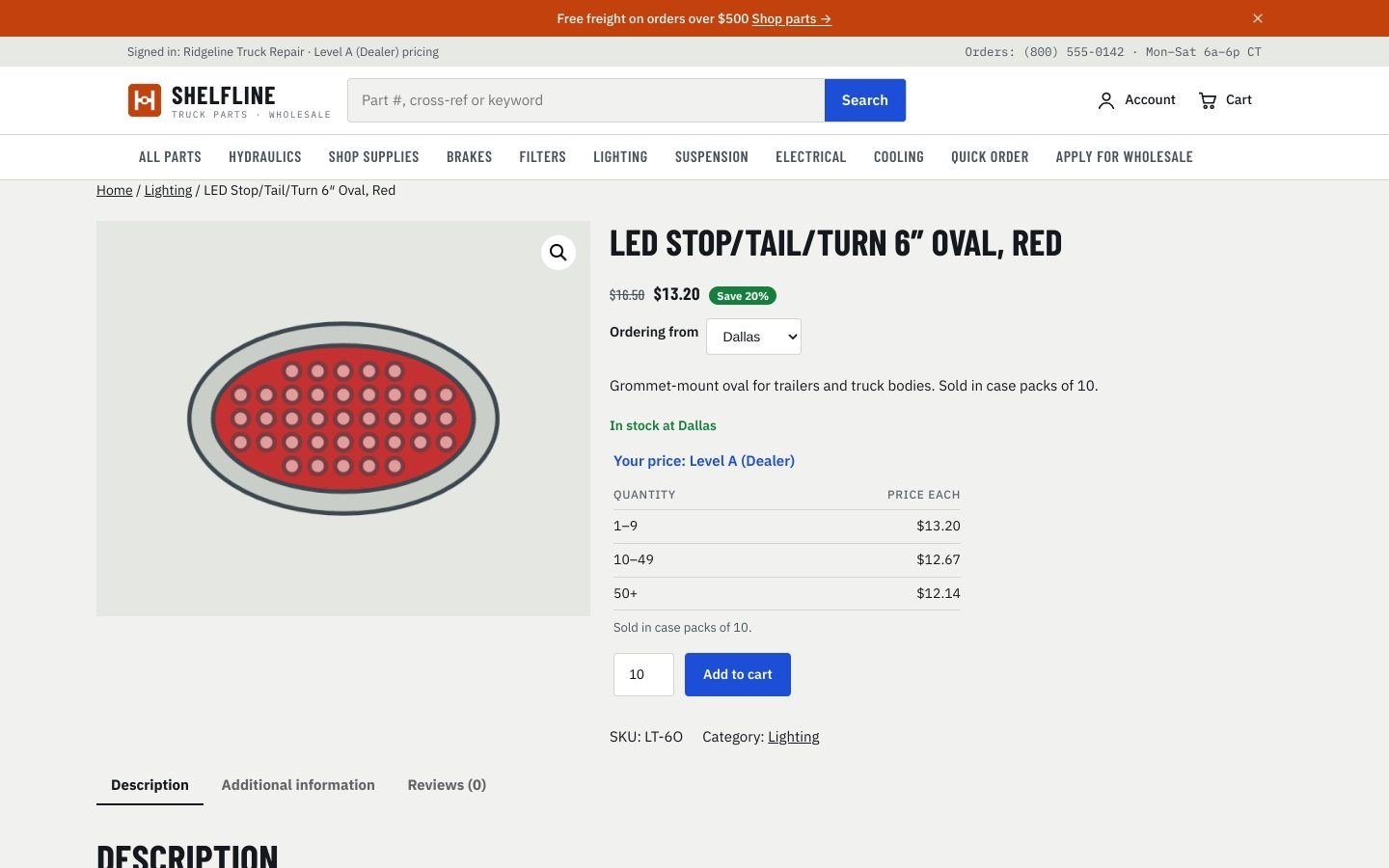
SAME PRODUCT, TWO VIEWS
Visitors see the part. Only customers see the price.
Your catalog brings in new customers from Google, while your prices, stock and ordering stay private. Competitors cannot see what you charge or what you have on the shelf.
DEMO VIDEO
See a full order in 2 minutes
A visitor browses without prices, applies for an account, gets approved, orders by part number, pays on Net-30, and the warehouse picks it from a phone.
HOW IT WORKS
From visitor to repeat customer
01
They find you
Your whole catalog is public, searchable by part number and cross-reference. Prices and stock stay hidden.
02
They apply
Company name, EIN and resale certificate, online. Takes about 3 minutes.
03
You approve
Pick their price level, payment terms and credit limit. They get an email and can order.
04
They order, 24/7
Their own prices, quick order by part number, Net-30. Your warehouse gets the pick list.
FEATURES
Built for how wholesale actually works
Price levels
Dealer, distributor, fleet: each customer sees only their own price, plus special prices per customer.
Quick order
Paste part numbers and quantities, everything goes to the cart at once. Order again from past orders.
Case packs & quantity breaks
Sold by the case automatically: 25 becomes 30 with a clear note. 1–9, 10–49, 50+ pricing.
Net-30 & invoices
Pay on account with credit limits. Invoices, statements and what is overdue, in one place.
Stock by branch
Customers see "In stock at Dallas", never the exact number. Orders go to the right warehouse.
Warehouse phone page
Scan, receive, count and transfer from a phone. No app to install.
PO numbers & pick lists
The customer PO shows on every document. Pick list and packing slip as PDF with each order.
Hidden from competitors
Visitors browse the catalog, but prices, stock and ordering are for approved accounts only.
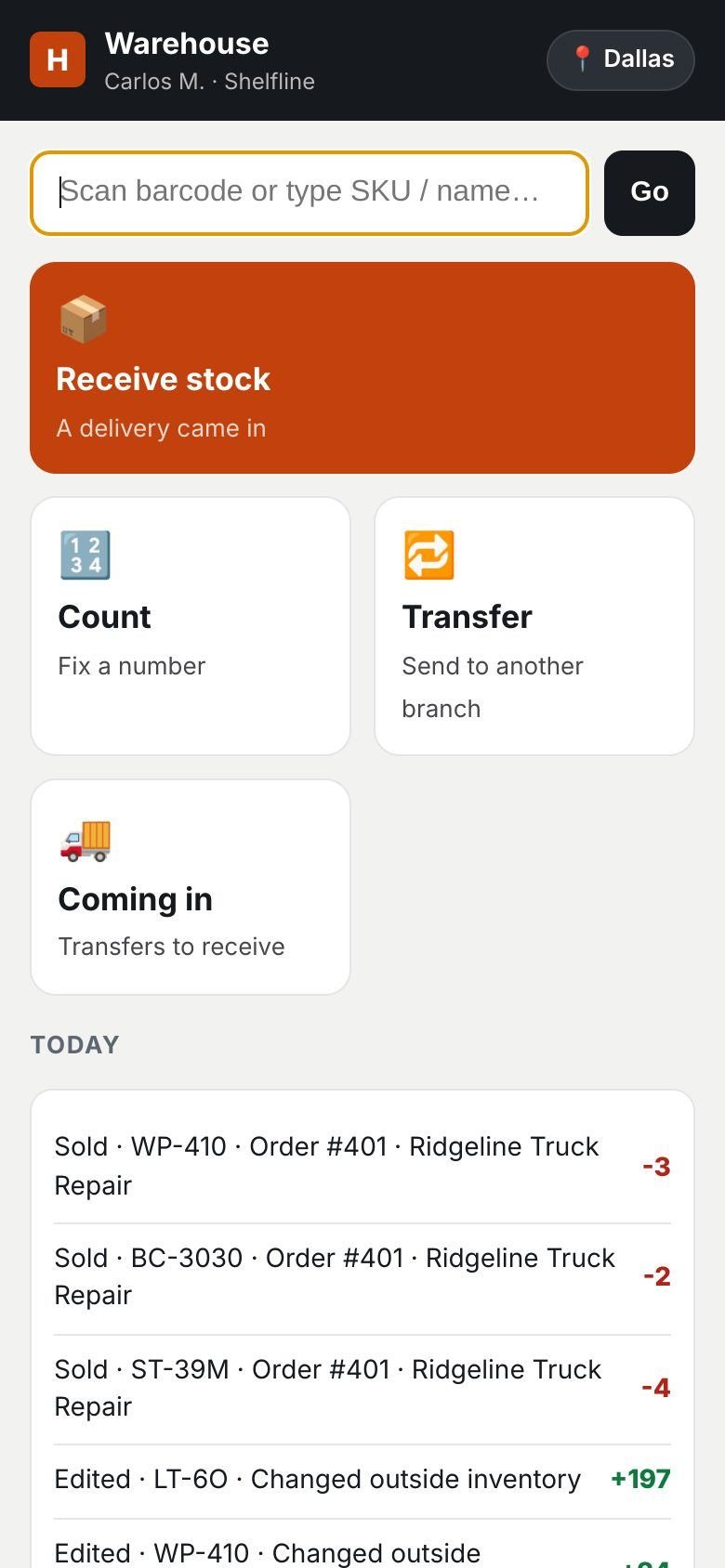
The website and the warehouse, on the same page
Stock by branch on every product. Staff receive, count and transfer from a phone, and the website updates the moment they save.
WHO IT IS FOR
Companies that sell to other companies
Parts distributors
Truck, trailer and auto parts sold to shops, fleets and stores, from one or several warehouses.
Manufacturers with dealers
A dealer portal: every dealer logs in, sees their price and orders by part number.
Importers and wholesalers
Sell by the box or the case, with case packs and quantity breaks handled for you.
See your own store before you decide
Send us your catalog or price list. We build a preview with your logo and your real part numbers, so you can see exactly what your customers would see. Free, no commitment.
GETTING STARTED
Live in four steps
1. Your data
Products, part numbers, photos, price levels and customers, imported from your files.
2. Your look
Your logo, colors and pages, on your own domain.
3. Pilot
A few customers order online first while your team learns the warehouse page.
4. Go live
All customers, all branches. QuickBooks connection optional.
Questions
Do my customers need to install anything?
No. It is a website. They log in from a computer or a phone.
Can I keep my current website?
Yes. We can replace it, or add the store next to it on a subdomain like order.yourcompany.com.
Who owns the store?
You do. It runs on WordPress and WooCommerce, on your hosting and your domain.
How much does it cost?
[Your pricing: setup fee and monthly support]
Book a 15-minute demo
Tell us what you sell and who you sell to. We will show you how it would look for your company.
[Your phone]
[Your email]
[Your city, state]
Add your contact form here: install a form plugin (for example WPForms Lite or Contact Form 7), then replace this box with its block.